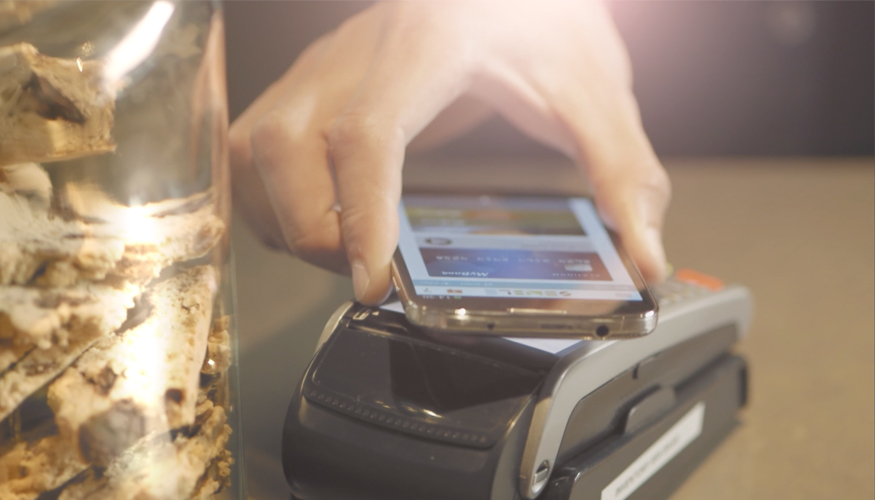
Join the thousand's of Kiwi's paying for things with their phone. Just follow the steps below or watch the video to see how to get started.
Step 1.
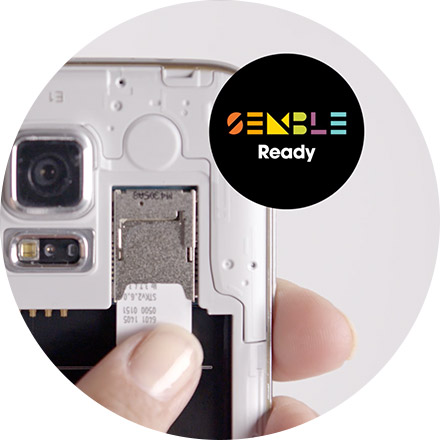
You need a new secure Semble Ready SIM card, which has a chip similar to your credit and debit cards, and a compatible phone from 2degrees, Spark or Vodafone.
Step 2.
Get the Semble app for your mobile network: 2degrees, Spark or Vodafone. Then register and set up your profile.

Step 3.
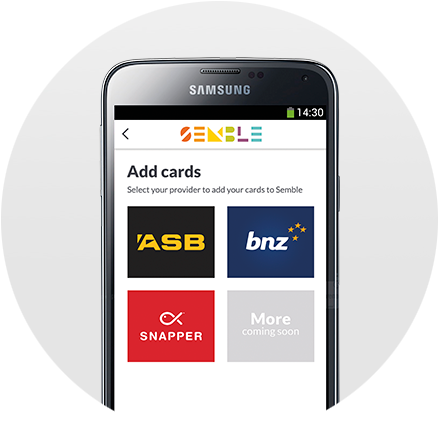
Use Semble to select from more than 25 cards from ASB, BNZ and Snapper. Simply select a service provider to see which cards you can add to Semble. We'll let you know when you're good to go.
Step 4.
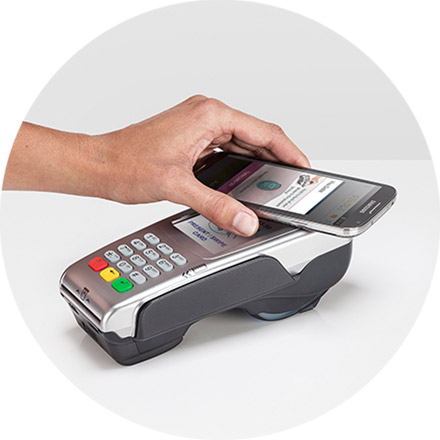
It's as simple as Hold>Beep>Go! Now you can pay with your phone anywhere that accepts contactless payments. Find out where
Step 5.
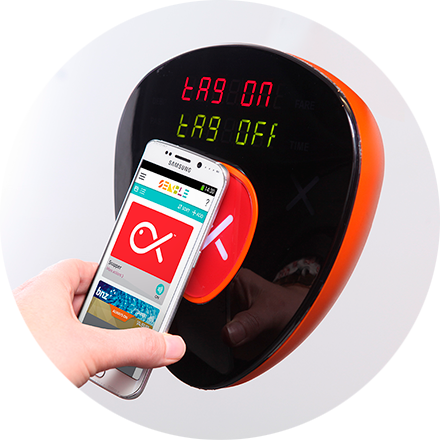
Tag on and off the bus and pay for participating taxi's, parking meters and the Wellington cable car using just your smartphone. Learn about how to Snapper.
Brought to you by: