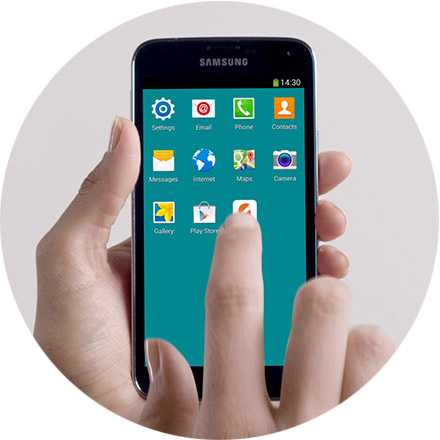
You can select the card you want to use each time or you can choose to have one of your loaded cards ‘Always On’.
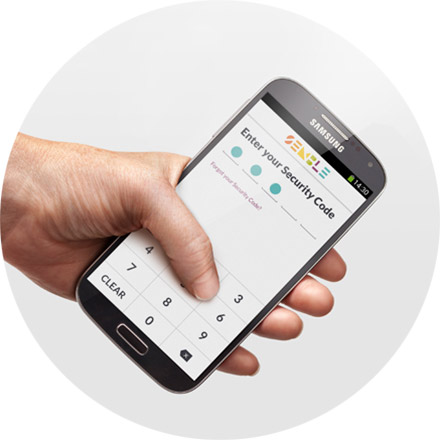
Only required if you have chosen this in Settings.
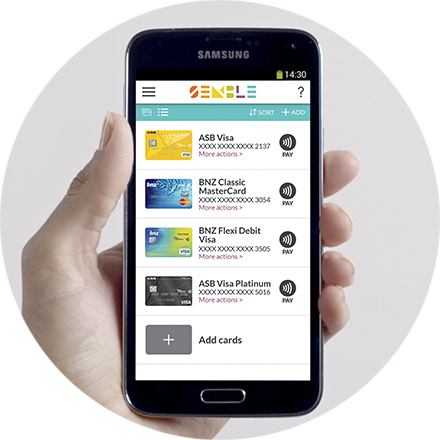
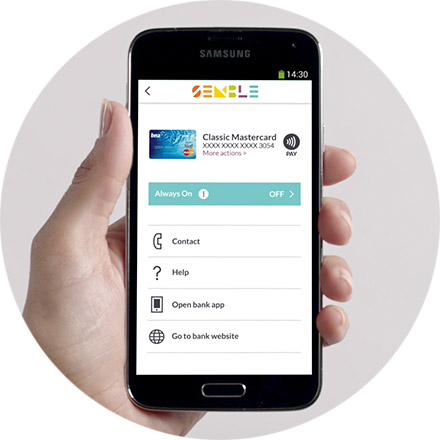
Select the card you want by tapping PAY.
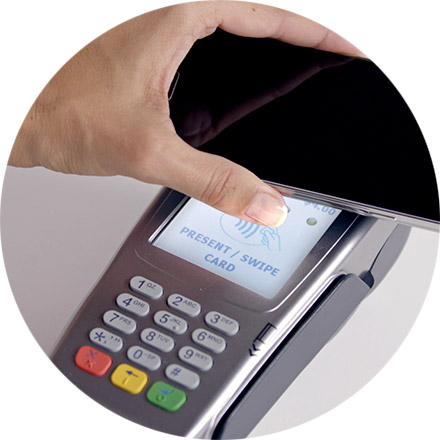
Hold your phone about 4cm to the top half of the payment terminal for 2 or 3 seconds. Your card will be active for 30 seconds and a timer will count down on your screen.
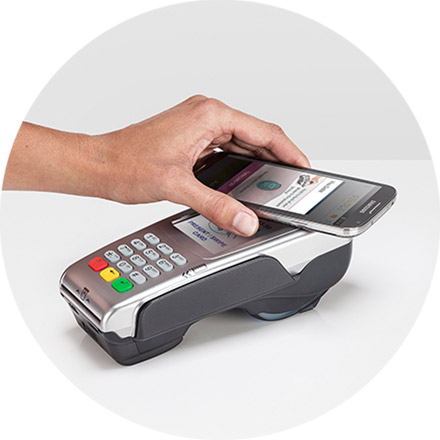
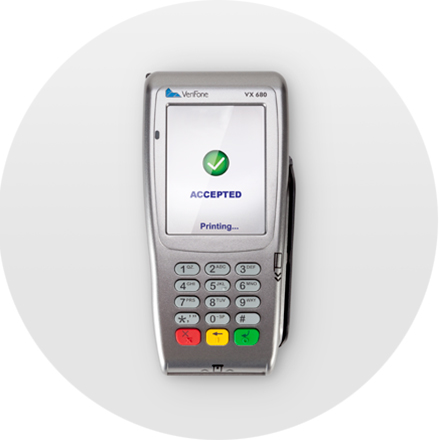
You'll know if the payment has gone through by the message on the terminal.
Option 2
Choose a loaded card to pay every time without needing to open Semble. To set it up, choose the card, then select more actions. Switch to Always On, and Semble will simply use that card when you go to pay.
With Always On, Semble will work even when your phone is asleep or switched off. How easy is that!
Brought to you by: