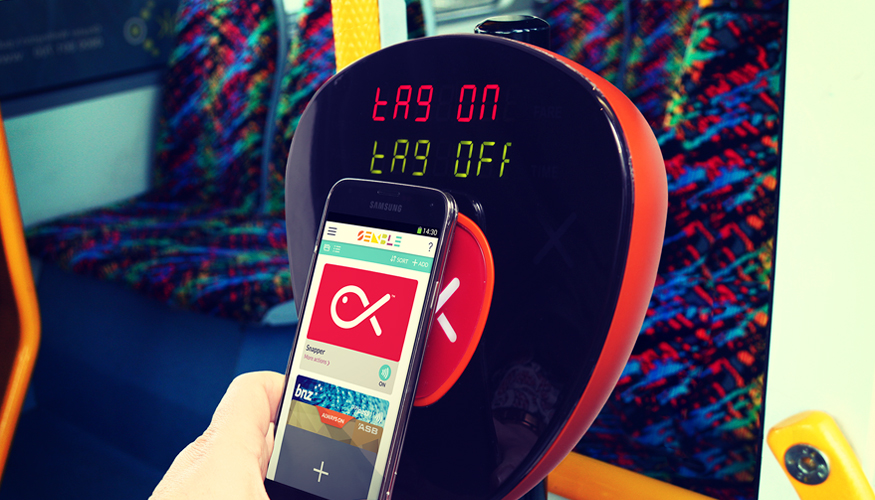
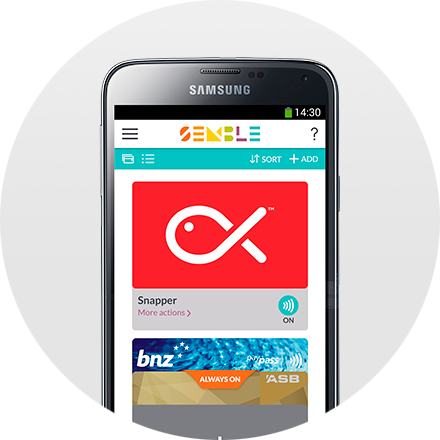
Once you have Snapper in Semble it’s easy to start paying with your phone. Your Snapper card will default to ON. You don’t even need to open Semble or have your phone turned on to use it.
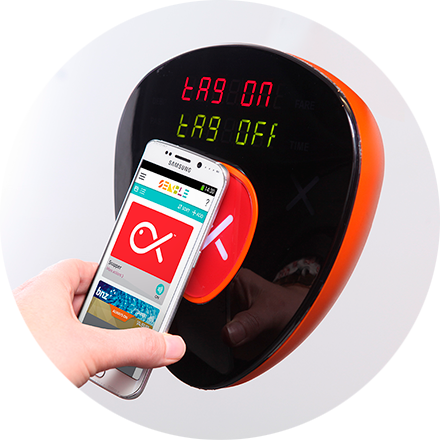
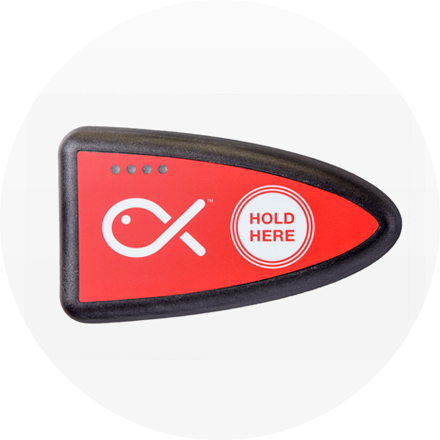
To tag on and off, touch the back of your phone to the middle of the Snapper reader (aim for the fish!), and hold it still until you hear the beep.
The reader will tell you if it has gone through. If you hear ‘Please try again’, pull your phone away completely, wait for the reader error message to clear, and have another go.
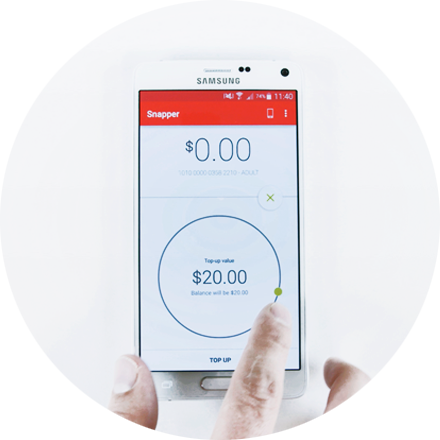
If the reader tells you to 'Please check your balance', it means you have a balance of less than $12 on your Snapper. Check your balance and top-up via the Snapper Mobile app anytime, anywhere.
There is a knack to using your phone on the many different readers out there. Most people find they get it right first time, but if you need some help check out our Snapper FAQ's.
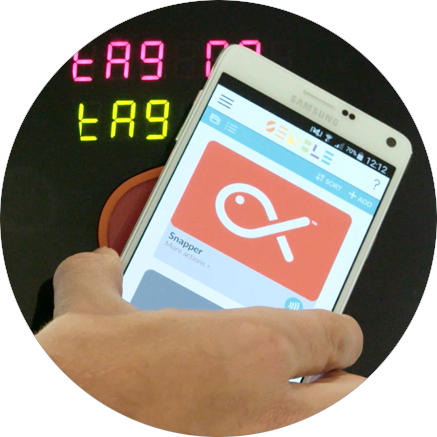
With Snapper in Semble, you can not only use your phone to pay for the bus, but also participating taxis, parking meters and the famous Wellington Cable Car. Find out where...
Brought to you by: