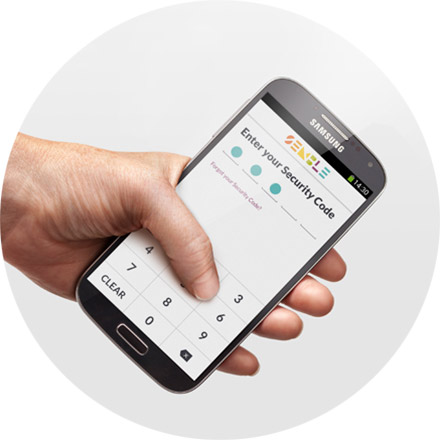
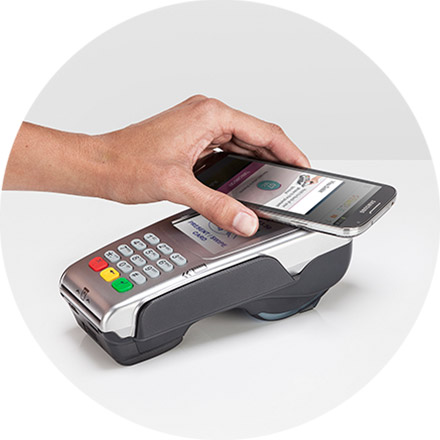
It's easy, just give it a go! Hold your phone close and steady to the top half of the terminal for 2 or 3 seconds. You can choose to have one of your cards already active in Semble ("Always On") or select the card you want to use each time. It's up to you.
Find out how step-by-step.
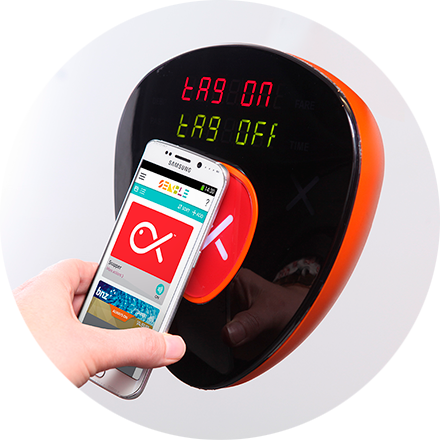
To tag on and off, touch the back of your phone to the middle of the Snapper reader (aim for the fish!) and hold it still until you hear the beep.
If the Snapper reader says "Please try again" pull your phone away completely, wait for the reader error message to clear, and have another go.
There are many different phones and readers out there so you need to find the 'sweet spot' on the back of your phone.
Find out how step-by-step.
You can pay with Semble at any payment terminal with the payWave, PayPass, or this  contactless symbol, or tag on and off where you see this
  symbol. Find out more.
Just hold your smartphone over the terminal and it will tell you when the transation has gone through. Purchases show up on your bank statement like they normally do.

Brought to you by: